Top 3 Design Mistakes Costing You Clients
In the fast-paced world of business, first impressions are crucial. Your company's design—be it your website, branding, or product interfaces—plays a pivotal role in shaping how clients perceive your brand. In November 2026, several design missteps have emerged that can significantly impact client retention and satisfaction. Let's delve into the top three design mistakes to avoid and how to rectify them.
Mistake #1: Neglecting Mobile Optimization
What It Is: With over 60% of global web traffic originating from mobile devices, a non-responsive design can alienate a significant portion of your audience. (browserstack.com)
Why It's Detrimental: A website that isn't mobile-friendly can lead to frustrating user experiences, increased bounce rates, and diminished search engine rankings. Clients may perceive your brand as outdated or inattentive to user needs.
How to Fix It:
-
Adopt a Mobile-First Approach: Design your website with mobile users in mind, ensuring it adapts seamlessly to various screen sizes.
-
Simplify Navigation: Streamline menus and reduce clutter to enhance usability on smaller screens.
-
Optimize Load Times: Compress images and minimize scripts to ensure swift loading, even on mobile networks.
Mistake #2: Overcomplicating User Experience
What It Is: In an attempt to impress, some businesses incorporate excessive animations, complex navigation, or too many calls to action. (wazile.com)
Why It's Detrimental: An overly complex design can overwhelm users, making it difficult for them to find essential information or complete desired actions. This confusion can lead to frustration and increased bounce rates.
How to Fix It:
-
Prioritize Clarity: Ensure that your design communicates your message effectively without unnecessary distractions.
-
Simplify Navigation: Limit menu options and organize content logically to guide users intuitively.
-
Focus on Core Actions: Highlight primary calls to action and remove redundant or less critical elements.
Mistake #3: Ignoring Accessibility Standards
What It Is: Designing without considering accessibility can exclude users with disabilities, such as those with visual impairments or motor challenges. (dotfusion.com)
Why It's Detrimental: Excluding a portion of your audience not only limits your reach but can also lead to legal repercussions and damage your brand's reputation.
How to Fix It:
-
Implement Accessible Design Practices: Ensure sufficient color contrast, provide alternative text for images, and design for keyboard navigation.
-
Test with Assistive Technologies: Regularly evaluate your design using screen readers and other assistive tools to identify and rectify issues.
Conclusion: Actionable Next Steps
By addressing these common design mistakes, you can enhance user experience, build trust, and ultimately boost client retention. Here's how to proceed:
-
Conduct a Design Audit: Review your current designs to identify areas where these mistakes may be present.
-
Engage Stakeholders: Collaborate with team members, including developers and accessibility experts, to brainstorm and implement solutions.
-
Prioritize User Testing: Gather feedback from real users to ensure that the changes effectively address their needs and preferences.
-
Stay Informed: Design trends and standards evolve rapidly. Regularly update your knowledge to keep your designs current and effective.
By proactively addressing these pitfalls, you position your business as a client-centric brand committed to delivering exceptional experiences.
Tags:
- mobile-optimization-mistakes
- user-experience-mistakes
- accessibility-mistakes
Estimated Read Time: 5 minutes
Image Prompt:
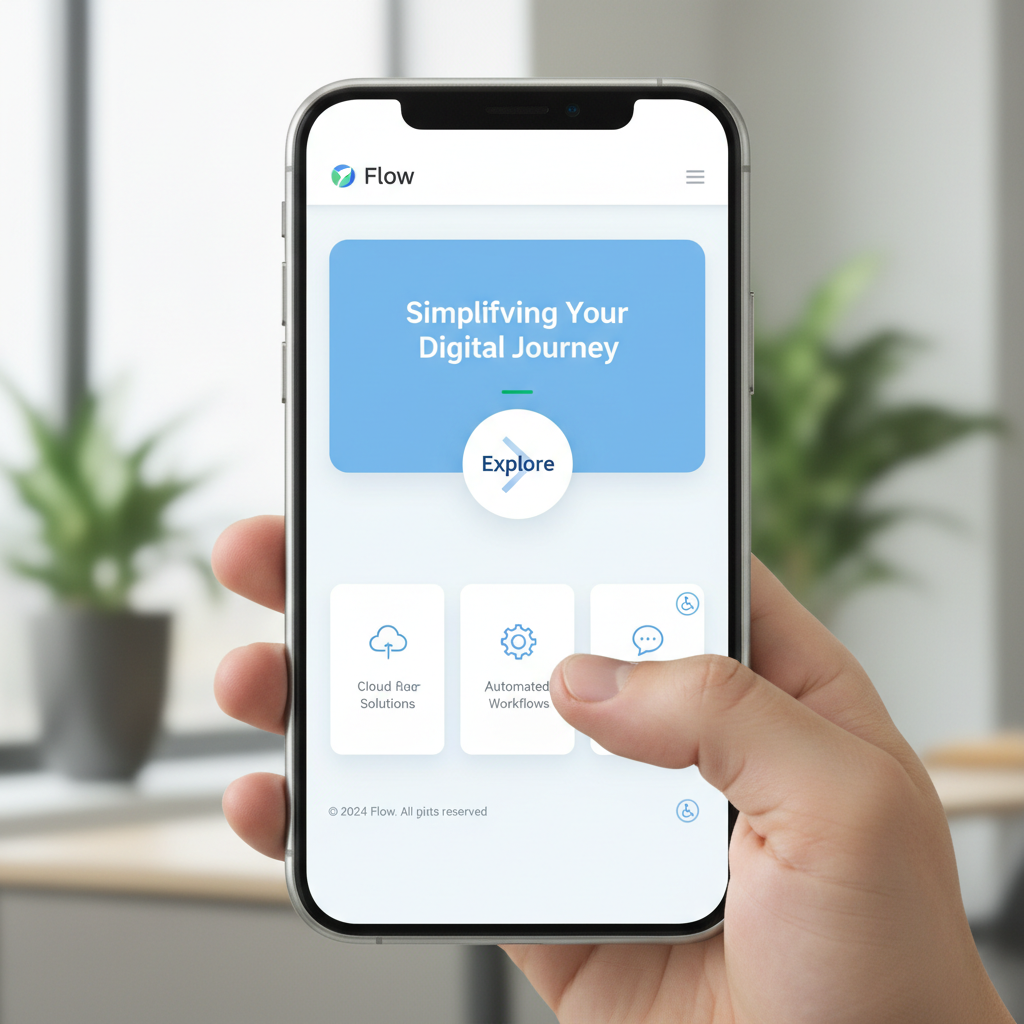
A professional, clean website interface displayed on a mobile device, highlighting intuitive navigation and accessible design elements.
Related Articles

Embracing Imperfection: Design Trends Shaping 2026
Discover how embracing imperfection in design is revolutionizing user experiences in 2026.
Designing for Accessibility: Building Inclusive Design Systems in 2025
Explore the latest trends in accessible design systems and learn how to create inclusive, user-friendly interfaces for diverse audiences.

AI-Powered Design Systems: The Future of Scalable Branding
Discover how AI is revolutionizing design systems, enabling businesses to create consistent, scalable brand experiences across all digital touchpoints.
Comments (0)
No comments yet. Be the first to comment!